
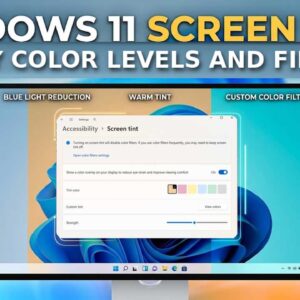
Since many of us stare at some type of screen more often than we probably want to, it’s essential to make sure we protect our eyes to avoid potential eye strain or… Read More
Ever since Windows 11 was released back in 2021, there has been resistance from die hard Windows users who do not like the updated version of Windows and prefer the stability and… Read More
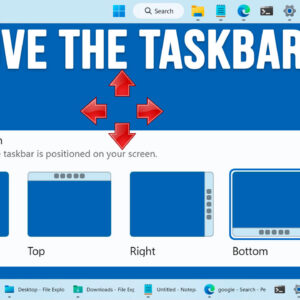
One of the biggest complaints when it comes to Windows 11 is the lack of customization compared to Windows 10, especially when it comes to the taskbar and Start Menu. Microsoft is… Read More
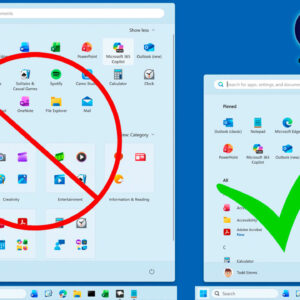
If you have been using Windows 11 for just about any length of time, you have probably noticed how the interface and even the available apps have changed through the years. Many… Read More
When it comes to devices such as your computer or smartphone, digital security is one of the most important factors to consider. Keeping your personal information and data safe is an ongoing… Read More
If you happen not to be the fastest typist or maybe you do not like to even type at all, you can use your microphone to speak into your computer and have… Read More
Since Microsoft is constantly updating Windows 11 and adding new features (and taking way old ones like WordPad for example), you may have noticed that you are getting prompted to answer questions… Read More
As you probably know, Microsoft is always updating Windows 11 to add new features to keep it up to date and to also keep it secure. Windows 10 was supposed to be… Read More
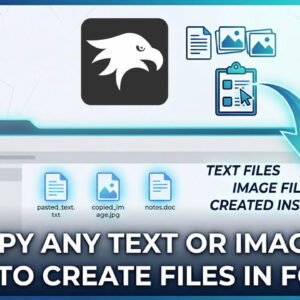
Copying and pasting text, images and files in Windows is one of the most common tasks people perform while using their computer on a daily basis. There are several ways to copy… Read More
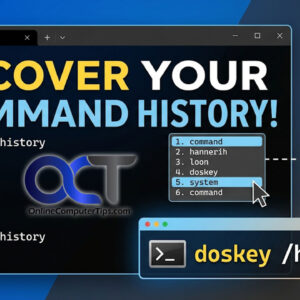
If you’ve ever found yourself deep in a Windows Command Prompt session, you know the frustration of typing out a long, complex string of characters only to realize you need to run… Read More