Last Updated on February 23, 2026
You may have heard the term hub, switch or router when someone was talking about their work or home network. You may be wondering which the correct device for your network is and what the differences between the devices are. Well here is your answer.
Hub
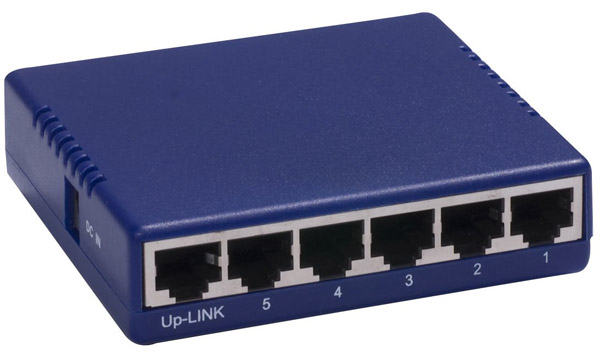
A network hub is one of the simplest devices used to connect multiple computers, printers, and other network-enabled devices in a local area network (LAN). Acting as a central connection point, a hub typically features 4 or more RJ45 Ethernet ports, which allow devices to communicate using network cables like Cat6 or Cat7. When data packets arrive at one port, the hub broadcasts them to all other connected devices. This process is called packet flooding, and while it works for small networks, it can lead to network congestion and collisions in larger setups. Because hubs lack intelligence, they cannot differentiate between devices or manage traffic efficiently, making them less suitable for modern high-speed networks. Today, hubs are mostly replaced by switches due to their limited performance.
Switch
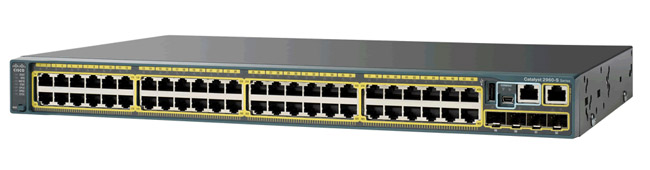
A network switch is an advanced alternative to a hub, offering smarter traffic management and improved efficiency. Unlike hubs, switches use MAC address tables to identify devices and forward data only to the intended recipient. This reduces unnecessary traffic and improves overall network performance. Switches operate at Layer 2 of the OSI model, but some advanced models, known as Layer 3 switches, can perform routing functions as well. Switches are ideal for environments where speed and reliability are critical, such as offices or data centers. They come in various types, including managed switches (which allow configuration and monitoring) and unmanaged switches (plug-and-play devices for simple setups). By minimizing collisions and optimizing bandwidth, switches have become the backbone of modern Ethernet networks.
Router
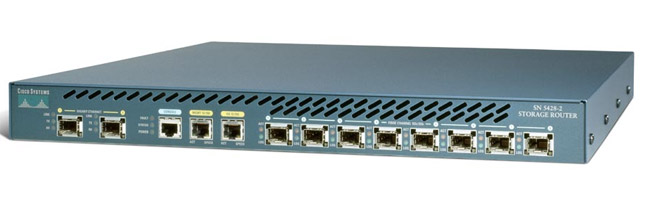
A router is a powerful networking device that connects multiple networks together, such as your home network and the internet. Operating at Layer 3 of the OSI model, routers use routing protocols like OSPF and BGP to determine the best path for data packets. They maintain routing tables to keep track of network destinations and ensure efficient data delivery. Routers also provide additional features such as Network Address Translation (NAT), firewall protection, and wireless connectivity in home setups. Unlike hubs and switches, routers enable communication between different networks, making them essential for accessing the internet. Advanced routers can prioritize traffic, support VPN connections, and offer QoS (Quality of Service) for streaming and gaming. When choosing a router, consider factors like speed, security, and compatibility with your ISP.
For additional training resources, check out our online IT training courses.
Check out our extensive IT book series.